Best Graphic Design Software to Create Seamless Patterns
Want to have your own pattern on the fabric, but you don’t know how to go about it? What programs should you know and how best to prepare your files for printing? Don’t worry, we have the answers! Check out our short guide on which graphic design software to choose for creating print-ready graphics.
Table of Contents
- Computer graphics – how to print your designs?
- Which graphic design software to choose?
- 1. Procreate
- 2. Photoshop
- 3. Illustrator
- Is there one perfect graphics program?
Computer graphics – how to print your designs?
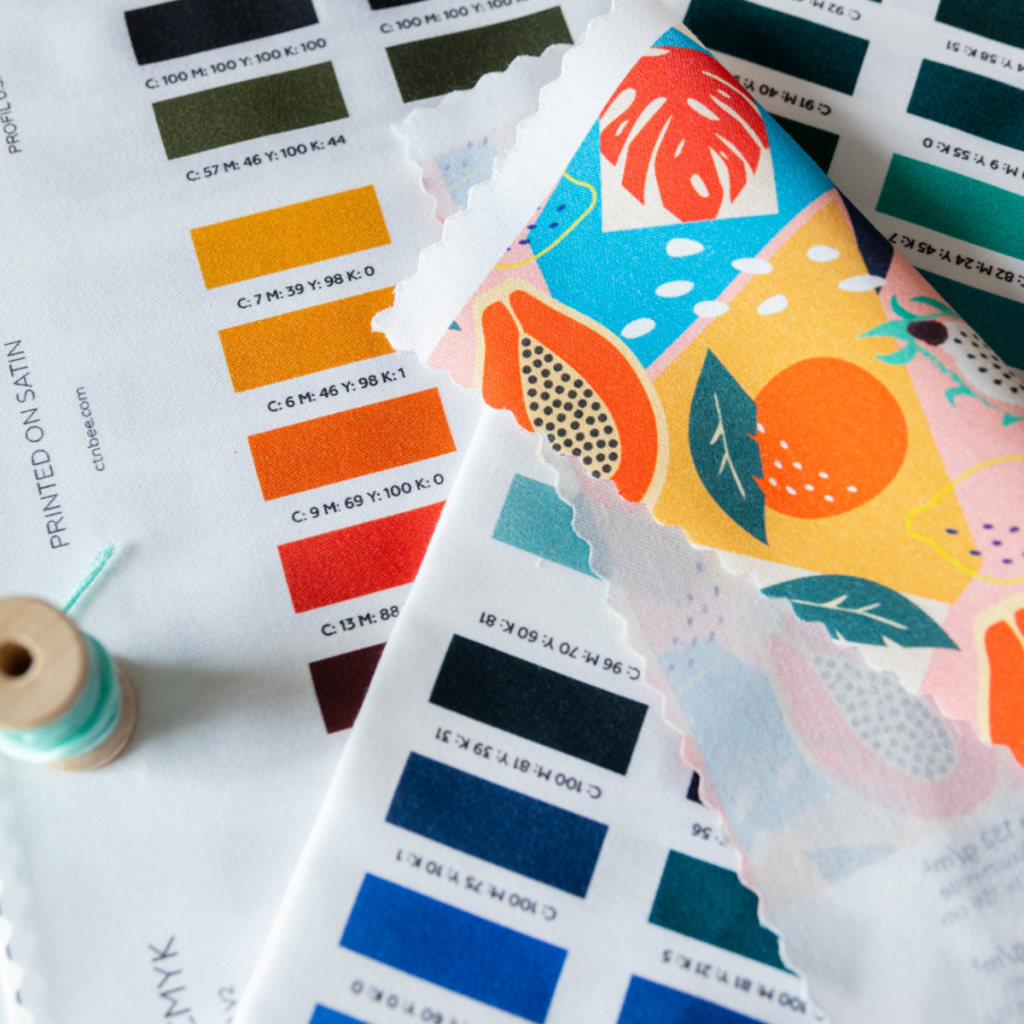
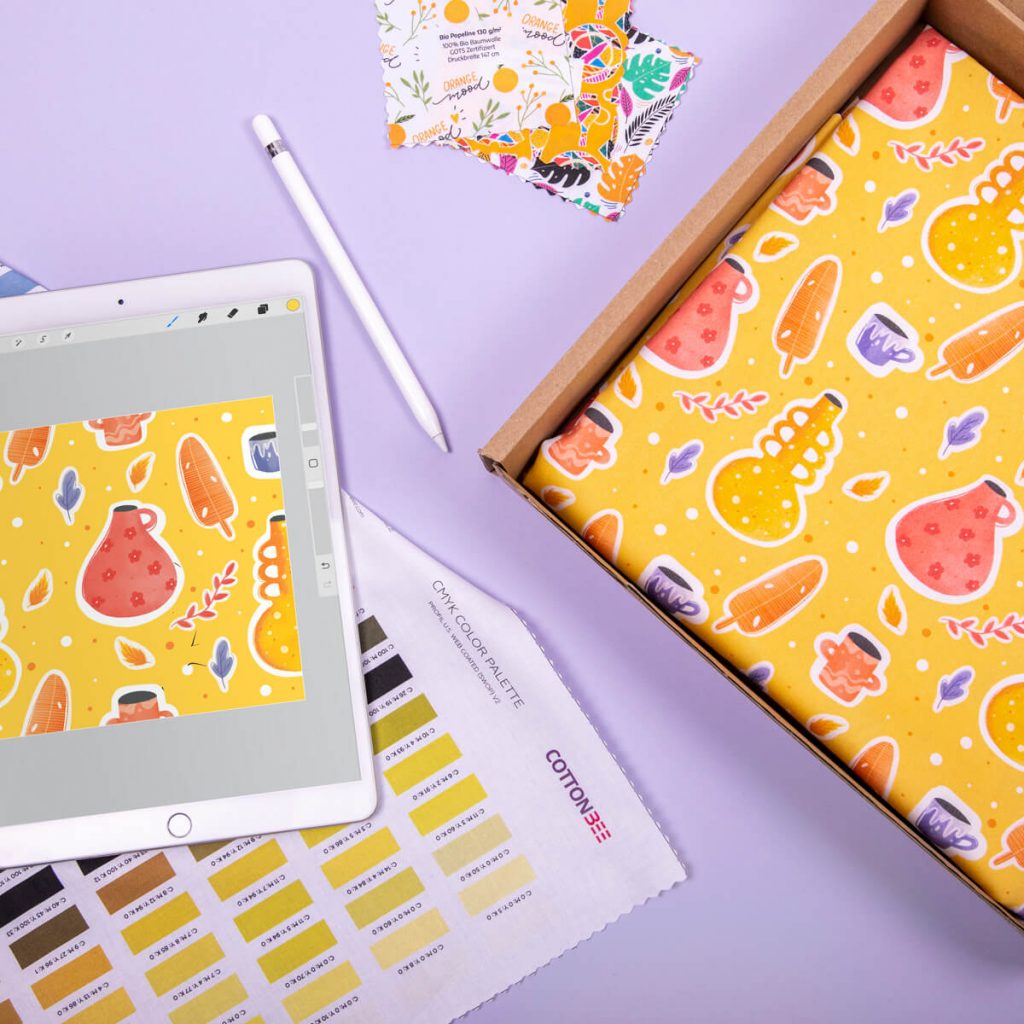
We will start with the basics, i.e. creating a new document. When you create a new document, set its dimensions, resolution and colour space immediately. Colour models are divided into RGB and CMYK. As a rule of thumb, it is assumed that RGB space is dedicated to digital devices. Scanners, cameras and monitors work in such colours. The colours in the RGB (Red Green Blue) space are created by mixing coloured light beams and are usually characterized by vivid colour and a “glowing” effect. CMYK space is usually associated with printing. CMYK, i.e. Cyan, Magenta, Yellow, and BlacK are the names of the colours that can be seen on the inks. These colours, or rather their percentage values, result in other shades and tones in the printouts. If you are designing graphics meant for printing, start creating in the CMYK palette. Thanks to this, the colours of the printout will be as close as possible to the colours of the graphics designed by you.
Read this How to design a seamless pattern for fabric printing
Vector or raster file?
Raster graphics are based on a grid of points, namely pixels of the same size. Each pixel has its own unique colour and position. Raster graphics can be compressed, unfortunately, this is usually a lossy compression, in which the image loses its quality. Raster graphics are scalable to some extent, unfortunately, at high magnifications, the image loses its sharpness. Compared to raster graphics, vector graphics are based on simple graphic elements that the computer can freely resize to scale the vector without losing its quality.
Good practices in pattern printing
We print patterns on fabrics from closed file formats, i.e. raster files. Nevertheless, patterns should be designed in a program that allows you to create vector files, for example in Illustrator. Working with vectors you can freely scale up or down your pattern at any time, and then export it in .jpg, .png or .tiff format without fear that it will be pixelated. Vector graphics will also allow you to easily combine elements from different patterns and create new printable designs from them. Save the finished project in the .tiff format, minimum resolution 150 dpi and the CMYK colour palette, in the CMYK profile: U.S. Web Coated (SWOP) v2.

Which graphic design software to choose?
We would like to point out immediately that there is no one universal graphic design software in which you can design everything from planner pages to 3D graphics. Although graphic design programs often allow you to experiment with file formats and purpose, and the more creative people can make the most of them, take into account the fact that one graphics program at a certain stage of your creative process may start to limit you. Therefore, if you want to maximize your possibilities, these 3 programs should be on your list.
1. Procreate
Do you have an iPad and sketchbooks full of drawings at home? Start drawing on your tablet and create printable files from your digital art. Procreate is the easiest graphics program to learn and the cheapest on this list. The interface is intuitive, and thanks to its popularity, you will find many tutorials to help you explore all the secrets of the app. Procreate is a one-time purchase of €10.99, which is why it is an undeniable favourite of beginner graphic designers. It is a cheap and quite complex software for digital art. High customisation potential allows you to edit default brushes or create them from scratch. In addition, the base of fonts and brushes can be freely extended with the resources found online, although here you have to consider additional costs.
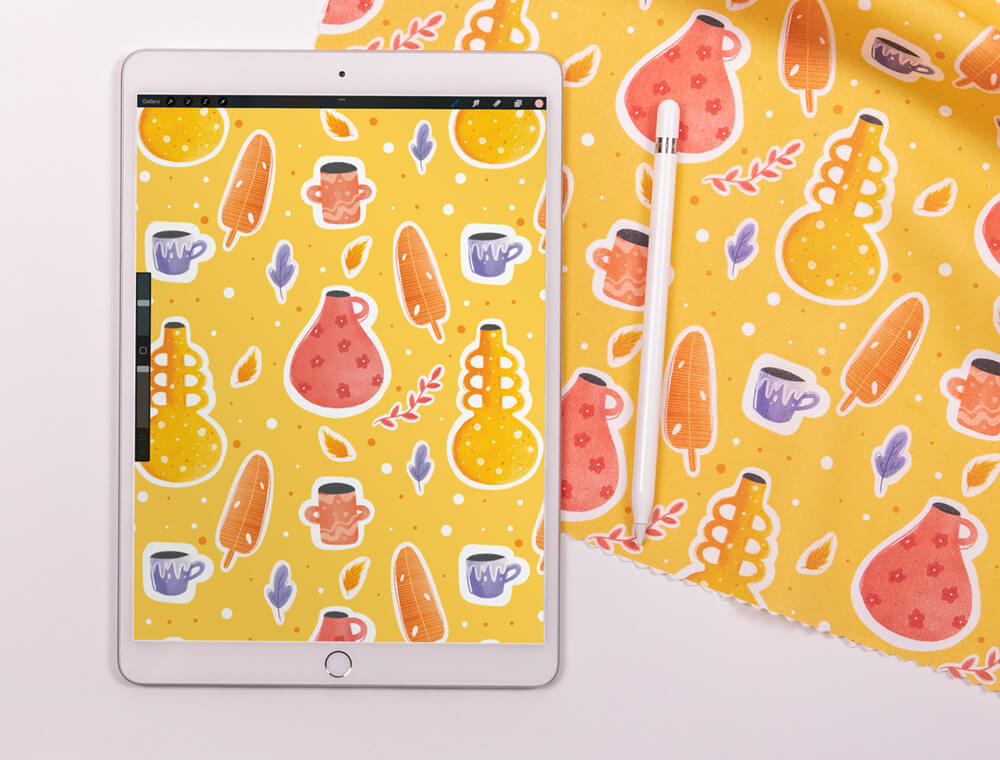
However, even without any custom brushes and fonts, Procreate will allow you to create raster graphics that will resemble pencil, charcoal sketches or works made with watercolours or oil paints. In the app, you can play with typography and calligraphy, and create a fun way to create digital collages and seamless patterns. The application will allow you to export your works to .psd, .tiff, .pdf and .jpg formats, so you can easily continue working with them on your computer. Of course, Procreate is far from a perfect graphics program. The application limits the number of layers – the higher the DPI and resolution of the file, the fewer layers you can create in your project.
➕ Pros:
- cheap (one-time payment)
- easy to use
- great personalization options
- portable, you can create anywhere
- export formats: .psd, .tiff, .pdf, .jpg.
➖ Cons:
- a limited number of layers
- only for raster graphics
- maximum 300 dpi
- may slow down with larger files
2. Photoshop
A program that needs no introduction. For years, Adobe software has been the leader among graphic designers, and no wonder. Photoshop offers a lot of creative possibilities when working with graphic files. In the program, you can manipulate the image almost freely, perform professional photo retouching, design the visual identity of the brand or design for large-format printing. Photoshop provides full support for a number of graphics tablets on the market, thanks to which you will get more precision in your work with the program.
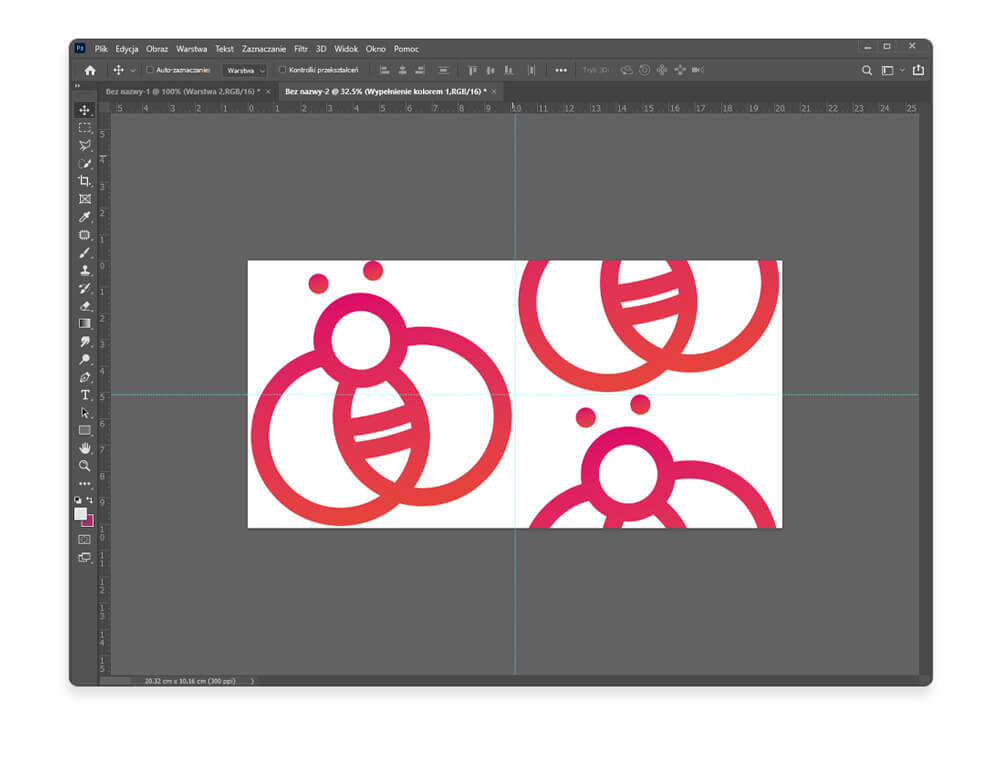
Adobe software is not the easiest to learn, but it offers almost endless possibilities in professional work with graphics, as well as in hobby graphic design or digital art. The program allows you to save files in 25 different formats, including: .psd, .png, .jpg, .tiff, .gif, .eps. Before you decide to work in Photoshop, consider two things – the time you will need to become familiar with the software and the costs you will have to pay. Adobe Photoshop is available as a monthly subscription for 24.59 euros. To be able to take full advantage of the program’s capabilities, add a graphics tablet to the expenses.
➕ Pros:
- an extensive tool for working with graphics, photos, typography
- unlimited image editing possibilities
- enables large-format design
- 25 available export formats
- various types of layers
➖ Cons:
- expensive subscription
- it will take time to master it
- it requires a good processor, graphics card, operating memory
3. Illustrator
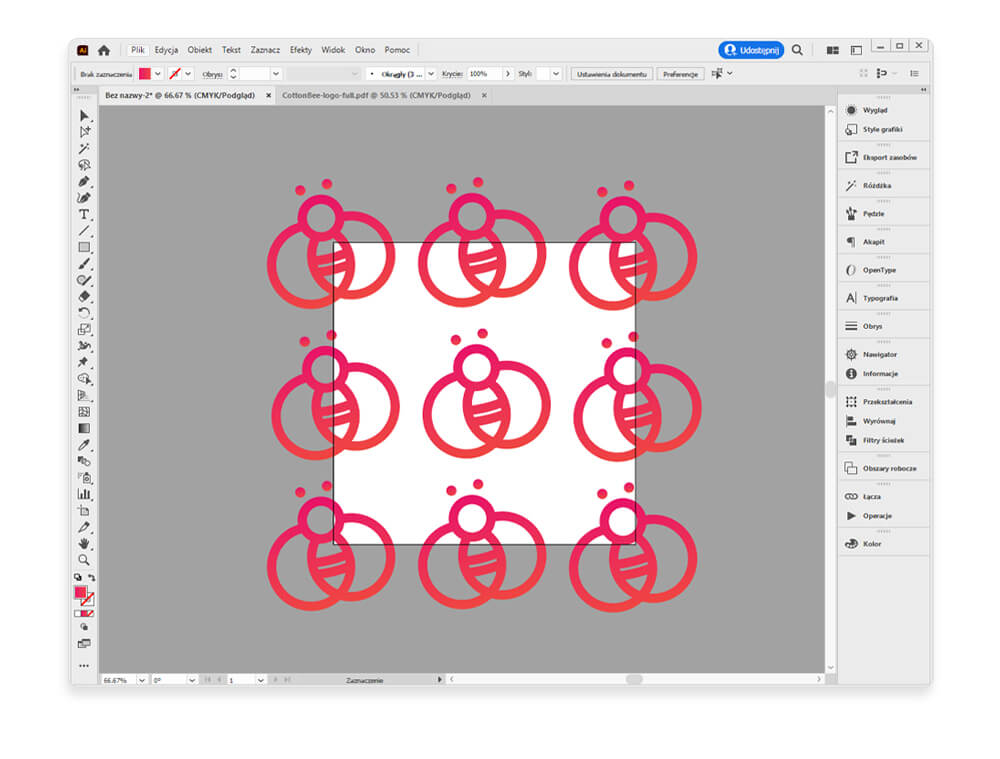
Do you need a graphic design software in which you can create both graphics used exclusively in digital circulation and those intended for printing in large format? Illustrator will allow you to create and modify vector graphics. In this program, you can create logos, illustrations, product visualizations, labels, covers etc. High-resolution files are needed to achieve high-quality prints in raster graphics, and this translates into the size of such files. Vector graphics are created on the basis of complex shapes and curves, thanks to which it can be freely scaled, and the design will remain sharp and legible. Logos, illustrations or signs created in Illustrator can be freely scaled up or scaled-down and you will never lose their original quality. Illustrator allows you to save files in .svg, .ai, .eps, .jpg, .png, .bmp, or .tif formats.
➕ Pros:
- works with vector graphics that can be freely scaled
- a wide range of tools and possibilities
- the weight of the files is much lower than in the case of raster graphics
➖ Cons:
- monthly subscription of 24.59 euros
- not the easiest to master
- very limited possibilities to work with raster graphics
Is there one perfect graphics program?
It is difficult to say whether one graphic design software will meet all your expectations. If you are just starting to learn computer graphics and you are not sure if this is the field in which you will find yourself, initially choose widely available, free software or cheaper programs and apps. Also, remember to choose the program for the type of work you do most often. If you draw and love to create seamless patterns from your works, Procreate is worth reaching for. Photoshop or Illustrator may be a more convenient solution to create patterns or panels for printing to a specific size. The programs we have selected are not the only ones on the market from which you can choose. Before you settle on software, do some additional research. Among either free or requiring a license or subscription software, you will find something perfect for yourself.